Scale factor
Scale factor calculator
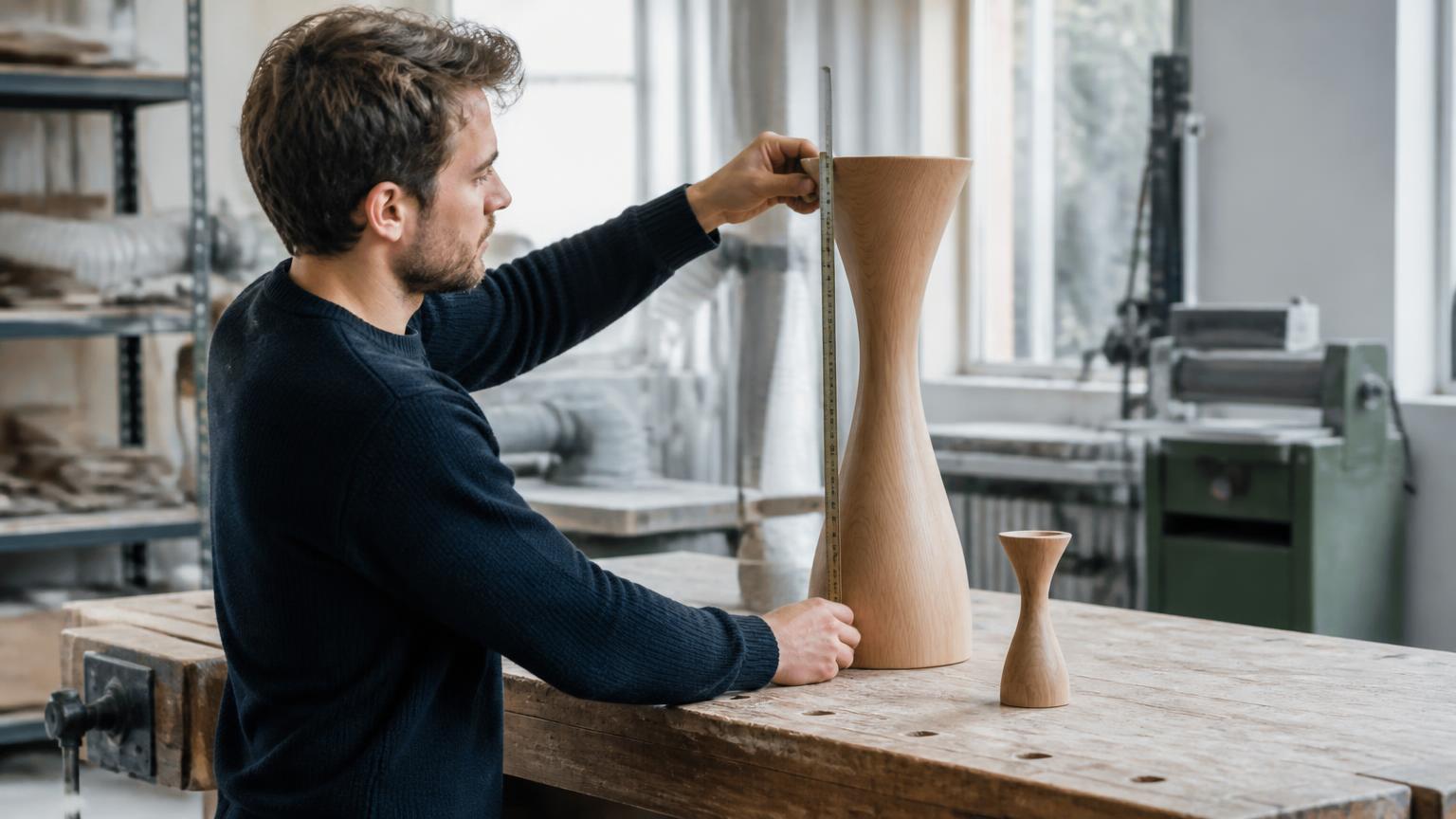
What you are scaling
Accepts 120, 4.75, 1/8 or 3' 7 1/2".
The size the same feature should end up at. Units can differ from the start.
Derived from the unrounded factor as k² and k³.
Your answer
1.5×
This is an enlargement: the result is larger than what you started with.
Bar lengths are proportional to the calculated factor. Read the exact figures below.
- Scale factor
- 1.5×
- Resize percentage
- 150%
- Reverse factor
- 0.666666…×
- Result
- 18 cm
- Equivalent ratio
- 1.5:1
- Difference
- +6 cm
Exact: 3/2
Enter this in a print dialog or slicer
66.666666…% to undo it
180 mm
Result : original, as a representative ratio
Original was 12 cm
Consequences of this factor
| Measure | Multiplier | Of original | Change |
|---|---|---|---|
| Length (k) | 1.5× | +50% | |
| Area (k²) | 2.25× | +125% | |
| Volume (k³) | 3.375× | +237.5% |
Area and volume figures are geometric consequences of the length factor. They describe a solid, uniformly scaled shape — not hollow parts, infill, wall thickness or material behaviour.
How this was calculated
Inputs
- Starting measurement: 12 cm = 120 mm
- Target measurement: 18 cm = 180 mm
Formula
k = target ÷ original
k = 180 mm ÷ 120 mm
k = 1.5× = 150%
Derived effects
- Area (k²): 2.25×
- Volume (k³): 3.375×
- Result size: 120 mm × k = 180 mm
Exact calculation state: 3/2 — displayed values are formatted from this fraction, never re-used after rounding.
Calculated by SnapScaleCalc from the values entered. Methodology
How this calculation works
A scale factor is a ratio, not an amount. The example above divides 18 cm by 12 cm and gets exactly 3/2 — so k = 1.5×. That number now applies to every other dimension of the same object, whatever units those were measured in: a 34 mm boss on the same part becomes 51 mm, and a 7/8" hole becomes 1 5/16".
k = target measurement ÷ original measurement
A factor of 1.5× is not the number a slicer wants
Factor notation and percentage notation describe the same change but read differently, and they are not interchangeable in conversation:
- 1.5× multiplies. Two factors combine by multiplying them — 1.5× then 0.8× is 1.2×.
- 150% is that same k expressed against the original, and is what a print dialog, copier or slicer expects.
- +50% is the change alone. Applying “50%” where 1.5× was meant lands you at a third of the intended size.
Working backwards from a known factor
The factor is a multiplier, so recovering an original size is a division rather than a subtraction. Suppose the scaled part measures 180 mm and you know it was produced at 1.5×:
original = 180 ÷ 1.5 = 120 mm
check: 120 × 1.5 = 180 mm ✓
Always close the loop like that. Multiplying the recovered value back by k is a two-second check that catches the most common error on this page, which is dividing when you meant to multiply.
The reverse factor is a reciprocal
If A → B uses k, then B → A uses 1/k. Nothing else works: the reverse of 1.5× is 1 ÷ 1.5 = 2/3 ≈ 0.6667, not 0.5×, and “take off the 50% you added” lands you at 0.75× instead. The two factors multiply to exactly 1, which is what makes it a round trip.
Kept as exact fractions this identity survives any number of steps — 3/2 × 2/3 = 1 with no residue — whereas 1.5 × 0.667 = 1.0005 and the error compounds every time you do it. That is why the reciprocal is reported here as a fraction as well as a decimal, and why k below 1 is a reduction rather than a negative amount.
Why area is k² and volume is k³, briefly
Area is a product of two independent lengths and volume a product of three. Uniform scaling multiplies each of them by k, so (kL)(kW) = k²(LW) and (kL)(kW)(kH) = k³(LWH). At k = 1.5 that is 2.25× the area and 3.375× the volume. The full derivation, the consequence table and the reasons material use does not follow k³ are on why area and volume change faster than length.
The full definitions and rounding policy live on the methodology page; if percentages are the vocabulary you need, use the scale percentage calculator instead.
What this does not tell you
The factor is exact; its consequences depend on what you are scaling. The area and volume multipliers describe a solid shape scaled uniformly on every axis. They are not a material estimate for a hollow print, a shell, a frame or anything with a constant wall thickness, and they say nothing about whether the scaled object is strong enough, printable or manufacturable.
Scaling also does not scale everything: threads, fasteners, bearings, electrical clearances, minimum wall thicknesses and legal dimensions stay what they are. Where a dimension is safety-related or regulated, treat this result as arithmetic and have the design checked.
Questions people ask about this
- Is a scale factor the same as a percentage?
- They describe the same thing in different notations. A factor of 1.5 is 150%. The factor is easier to multiply with, the percentage is what print dialogs and slicers ask for.
- What does a scale factor below 1 mean?
- It is a reduction. A factor of 0.75 makes every length three quarters of its original size, which is 75%.
- Why is the area multiplier not the same as the length multiplier?
- Area is a product of two lengths, so it scales by the factor squared. At a factor of 2 the length doubles but the area is four times as large.
- Can I mix units in the two measurements?
- Yes. Enter 250 mm and 1 ft if that is what you have — both are converted to exact millimetres before the factor is calculated, so no precision is lost.