Fit to space
Fit to space calculator
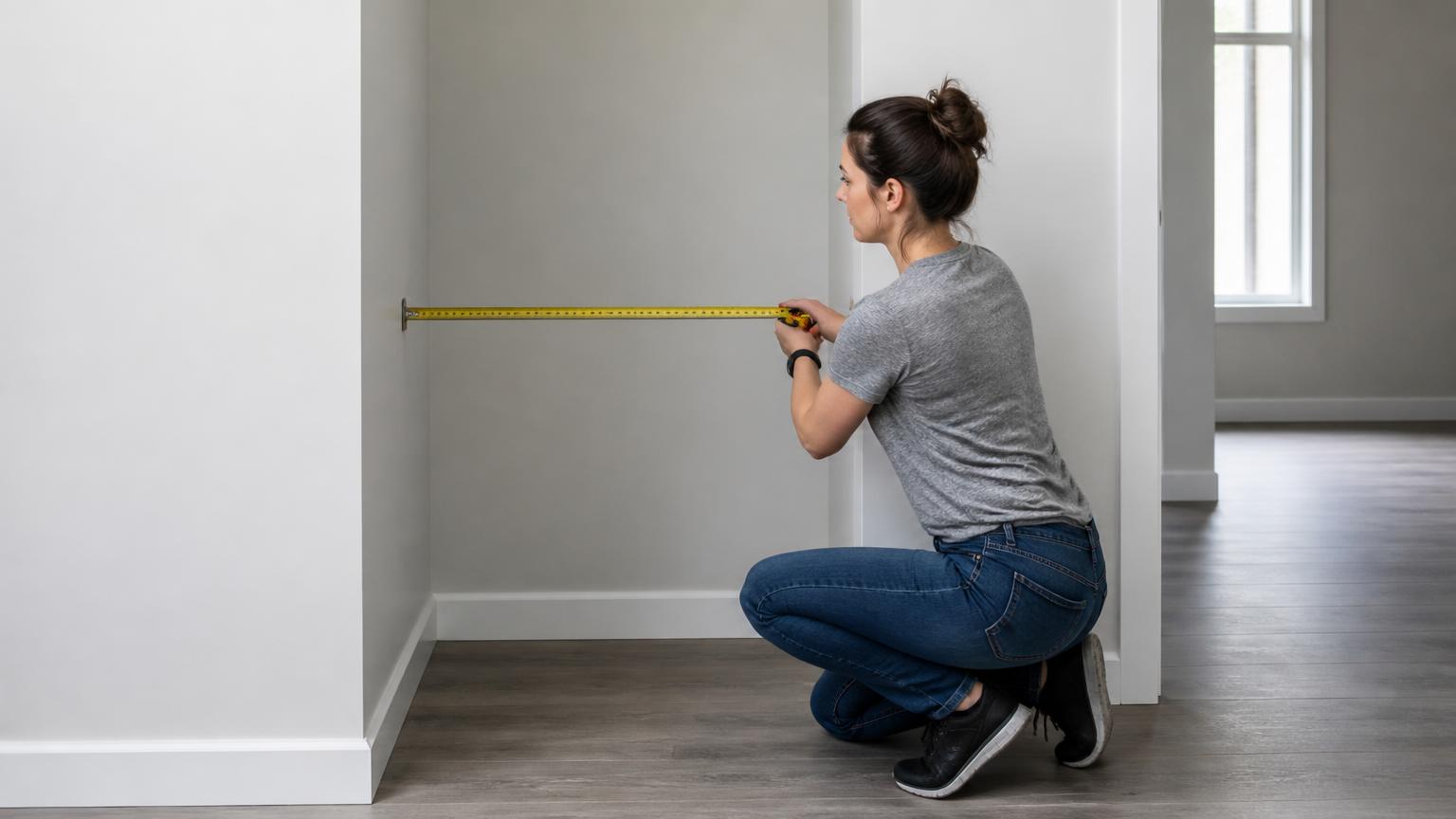
Object and space
Object
Available space
Tests every axis permutation and keeps the unrotated orientation on a tie.
For example 1.5 to check whether 150% still fits.
Your answer
104.166666…%
Bounding-box geometry only: no allowance for clearance, tolerance, handling, fixings or how the object is moved into the space.
- X187.5 mm of 220 mm
- Y93.75 mm of 220 mm
- Zlimit250 mm of 250 mm
The bar track is the available envelope. The axis that fills it completely is the one that runs out of room first.
- Maximum factor
- 1.041666…×
- Limiting dimension
- Z
- Scaled X
- 187.5 mm
- Scaled Y
- 93.75 mm
- Scaled Z
- 250 mm
Exact: 25/24
The dimension that runs out of room first
Available 220 mm
Available 220 mm
Available 250 mm
| Axis | At max scale | Available | Clearance |
|---|---|---|---|
| X | 187.5 mm | 220 mm | 32.5 mm |
| Y | 93.75 mm | 220 mm | 126.25 mm |
| Z | 250 mm | 250 mm | 0 — this axis is the limit |
How this was calculated
Inputs
- Object X: 180 mm
- Object Y: 90 mm
- Object Z: 240 mm
- Space X: 220 mm
- Space Y: 220 mm
- Space Z: 250 mm
- Rotation: not allowed
Formula
k_max = min(available_axis ÷ object_axis) across all axes
X→X: 1.222222…× Y→Y: 2.444444…× Z→Z: 1.041666…×
k_max = 1.041666…× (104.166666…%), limiting axis Z
Exact calculation state: 25/24 — displayed values are formatted from this fraction, never re-used after rounding.
Calculated by SnapScaleCalc from the values entered. Methodology
Assumptions in this calculation
- The object and the space are both treated as rectangular bounding boxes.
- Scaling is uniform: every axis is multiplied by the same factor.
- No clearance, tolerance or access allowance is subtracted — reduce the available space yourself if you need it.
- The object keeps its entered orientation.
How this calculation works
Uniform scaling means one factor applies to every axis, so fitting is a minimum:
k_max = min( available₁ ÷ object₁, available₂ ÷ object₂, … )
Each available extent is the space minus twice the clearance you asked for. Every candidate ratio is kept exact, so the limiting axis is identified from true values rather than from rounded ones that can tie incorrectly.
Worked example: which axis actually decides
A 300 × 200 × 450 mm object goes into a 500 × 400 × 600 mm alcove with 10 mm clearance on every side. Clearance is taken off both sides first, so the usable space is 480 × 380 × 580 mm. Divide axis by axis:
| Axis | Object | Usable space | Ratio |
|---|---|---|---|
| Width | 300 mm | 480 mm | 1.600 |
| Depth | 200 mm | 380 mm | 1.900 |
| Height | 450 mm | 580 mm | 1.288 ← smallest |
k_max = min(1.600, 1.900, 1.288) = 580/450 = 58/45 = 1.2888… ≈ 128.9%
scaled object: 386.7 × 257.8 × 580.0 mm
Height is the limiting axis, and at k_max it is exactly full — zero slack beyond the clearance you asked for. Width finishes 93.3 mm short of its usable extent and depth 122.2 mm short. That is the whole point of the minimum: the tightest ratio sets the answer, and the other axes inherit whatever is left. Note that height was not the axis with the least absolute room — depth had only 180 mm of headroom against height's 130 mm, but ratios, not differences, decide fit.
Orientation
The solver evaluates the 90° permutations of the object's axes against the space and keeps the best. This is why the result reports an orientation: for a 300 × 120 × 400 mm object in a 350 × 500 × 200 mm space, the arrangement decides whether it fits at all.
Reading the answer
You get k_max as a factor, a percentage and a representative scale, the resulting dimensions, and the slack on the non-limiting axes. If the object already fits, k_max is above 1 and the figure tells you how much bigger you could go.
What this does not tell you
This is a bounding-box calculation. It assumes the object is a rectangular block, that the space is empty and rectangular, and that only 90° rotations are allowed. Real spaces have skirting boards, pipes, sloping ceilings, radiators and door swings; real objects have handles, feet and overhangs that a bounding box hides.
It also assumes the object can be scaled uniformly at all. A shelf, a case or a piece of furniture usually cannot — for those, use the result as a go/no-go check on the current size rather than as an instruction to resize.
Getting the object into the space matters as much as the space itself. Doorways, stairs, lifts and corners are separate constraints this calculator does not model.
Questions people ask about this
- How do I find the biggest scale that still fits?
- Divide each available dimension by the matching object dimension and take the smallest result. That axis is the constraint; every other axis has room to spare.
- Why is my limiting dimension the small one?
- Because fit is decided by the tightest ratio, not the largest measurement. A tall narrow object in a wide shallow space is usually limited by depth.
- Does rotating the object help?
- Often, yes. The calculator tests 90° axis permutations and reports the best orientation, so a piece that will not fit lengthways may fit turned.
- Should I leave clearance?
- Yes. Enter it as a margin and it is subtracted from the space before solving, so the answer already accounts for hands, cables, doors, glazing and tolerance.